

Shared docs
Write the brief where the work happens
Docs gives your team a shared editor for briefs, scopes, meeting notes and process pages. Edit together in real time, discuss in comments, and keep every version.
Included on every plan, including Free.
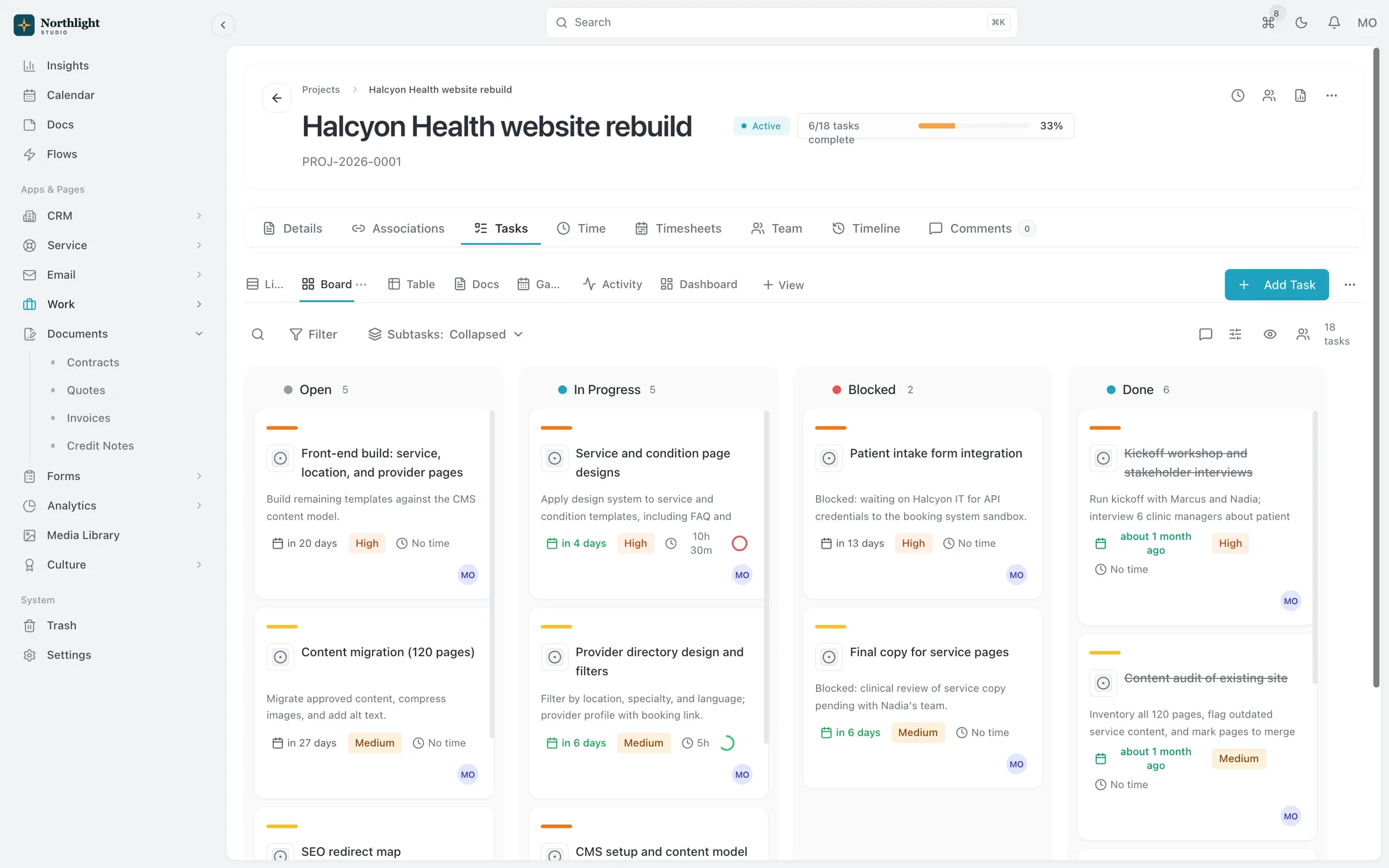
- Project task board
- Budget used
- Hours logged
The problem
Sound familiar?
- The final brief is in someone's personal drive and they're on leave.
- Feedback on a scope document is spread across email, chat and margin notes.
- We can't tell which version of the plan we actually agreed on.
How it works
How teams use Docs
1
Create a doc
Start blank or from a template, on its own or inside a project's task list.
2
Write together
Co-edit in real time and see changes as teammates type.
3
Discuss in context
Comment on the text itself, then resolve threads as action items get done.
4
Keep the history
Version history keeps each saved update, and you can export a doc when it needs to leave SparkDesk.
What you get
- Real-time co-editing
- Several people can work in the same doc at once without overwriting each other.
- Comments and threads
- Keep feedback on the doc instead of in email, and resolve threads when they are done.
- Version history
- Go back to any saved version to see what the plan said at the time.
- Docs on task lists
- Each task list has its own Docs tab, so project notes sit right next to the tasks.
- Templates
- Save reusable templates for briefs, kickoff agendas and handoff notes.
- API and AI access
- Create and export docs through the REST API or MCP, so your assistant can file meeting notes in SparkDesk.
Read the documentation
Works with
Projects and time tracking
Projects, task boards, timers and timesheets, with budgets and hours that carry into invoices.
Learn moreContracts and e-signature
Contract templates, a clause library and version history, with e-signature and an audit certificate built in.
Learn moreClient portal
A portal where clients sign in with an email link to see invoices, documents, projects and requests.
Learn more
Used by: creative studios
Compare: vs Notion
Docs: questions
Something else? Ask us.
Can several people edit a doc at once?
Yes. Docs supports real-time co-editing, with comments for discussion.
Can I get a doc out of SparkDesk?
Yes. Docs can be exported, including through the REST API and MCP server.
How many docs can I create?
Free includes 10 docs and templates, Solo 100, Team 1,000 and Business 10,000.
Run your next client project in SparkDesk.
Start a 14-day free trial of any paid plan. No card needed, and you can drop to the Free plan at any time.