
Quotes and invoicing
Quote it once, then bill it in stages without retyping
Build a quote from your catalog, send a link the client can accept, then raise the deposit, progress and final invoices from it. SparkDesk keeps track of what has been billed, so nothing is invoiced twice.
Included on every plan, including Free; quotes and invoices on Free carry a small SparkDesk footer that paid plans remove.
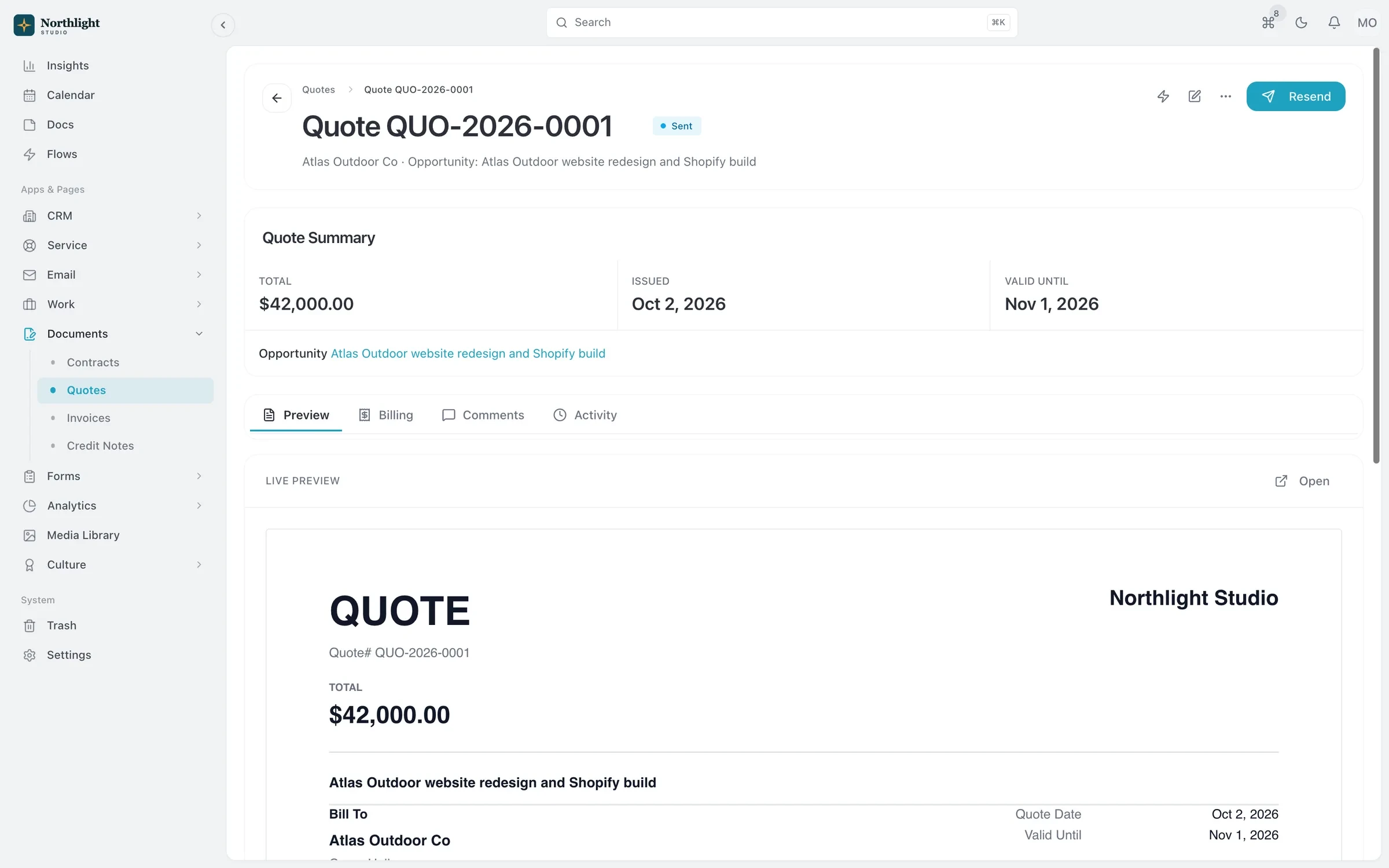
- Accepted quote
- Deposit invoice
- Progress and final invoices
The problem
Sound familiar?
- I build the numbers in a proposal doc, then type them again into the invoice.
- I lose track of which part of the project we've already billed.
- Chasing unpaid invoices eats my Friday afternoons.
How it works
From quote to paid
1
Build the quote
Add lines from Products and Services, set terms and a valid-until date, and preview it on your invoice template.
2
Send it for acceptance
Email the quote with a PDF and a secure link where the client can accept or decline without signing in.
3
Bill in stages
Create a deposit invoice up front, progress invoices for a share of each line, and a final invoice for everything not billed yet. The final invoice deducts the deposit.
4
Record the payment
Send the invoice, follow up on it, and record each payment you receive with its method. Overdue invoices show up in your Action Hub.
What you get
- Invoices from tracked time
- Add a project's unbilled hours to an invoice, or let a Flow create the invoice for each client period from logged time.
- Recurring invoices for retainers
- Bill on a schedule. Each date either creates a numbered draft for review or creates the invoice and emails it to the client.
- Templates and PDFs
- Design invoice templates with a block-based designer, email invoices with the PDF attached, and share read-only links that expire.
- Credit notes
- Raise a credit note against an invoice. Reports count invoiced amounts net of credit notes, so revenue figures stay accurate.
- Automatic follow-ups
- Start from the invoice reminder Flow template to follow up on unpaid invoices without writing each email yourself.
- Invoices in the client portal
- On Solo and above, clients can open their invoices and download the PDFs from the client portal.
Read the documentation
Works with
Projects and time tracking
Projects, task boards, timers and timesheets, with budgets and hours that carry into invoices.
Learn moreFlows automation
When, If, Then automations that can open timesheets and create invoices for each client period.
Learn moreClient portal
A portal where clients sign in with an email link to see invoices, documents, projects and requests.
Learn more
Used by: agencies, consultancies, creative studios, event planners
Compare: vs HoneyBook, vs Bonsai, vs HubSpot, vs Pipedrive
Quotes and invoicing: questions
Something else? Ask us.
Can clients pay invoices online?
Not through SparkDesk. SparkDesk sends invoices and records the payments you receive, with the payment method, but it does not collect card or bank payments. Put your bank details or payment instructions on your invoice template.
Can I take a deposit before work starts?
Yes. From the quote, create a deposit invoice for the amount you choose. The final invoice deducts it automatically.
Can I bill a monthly retainer?
Yes. Set an invoice to recur on a schedule, or use a Flow to create each period's invoice from the hours your team logged.
Does SparkDesk sync with QuickBooks or Xero?
No, there is no QuickBooks or Xero integration. You can export reports and invoice PDFs, and the REST API is available on every plan if you want to move invoice data into another system.
Run your next client project in SparkDesk.
Start a 14-day free trial of any paid plan. No card needed, and you can drop to the Free plan at any time.