
For creative studios
Less admin between the brief and the final file.
Design, branding, video and photography studios use SparkDesk to send proposals, take deposits on invoice, run projects on boards and collect client sign-off in a portal that looks like your studio.
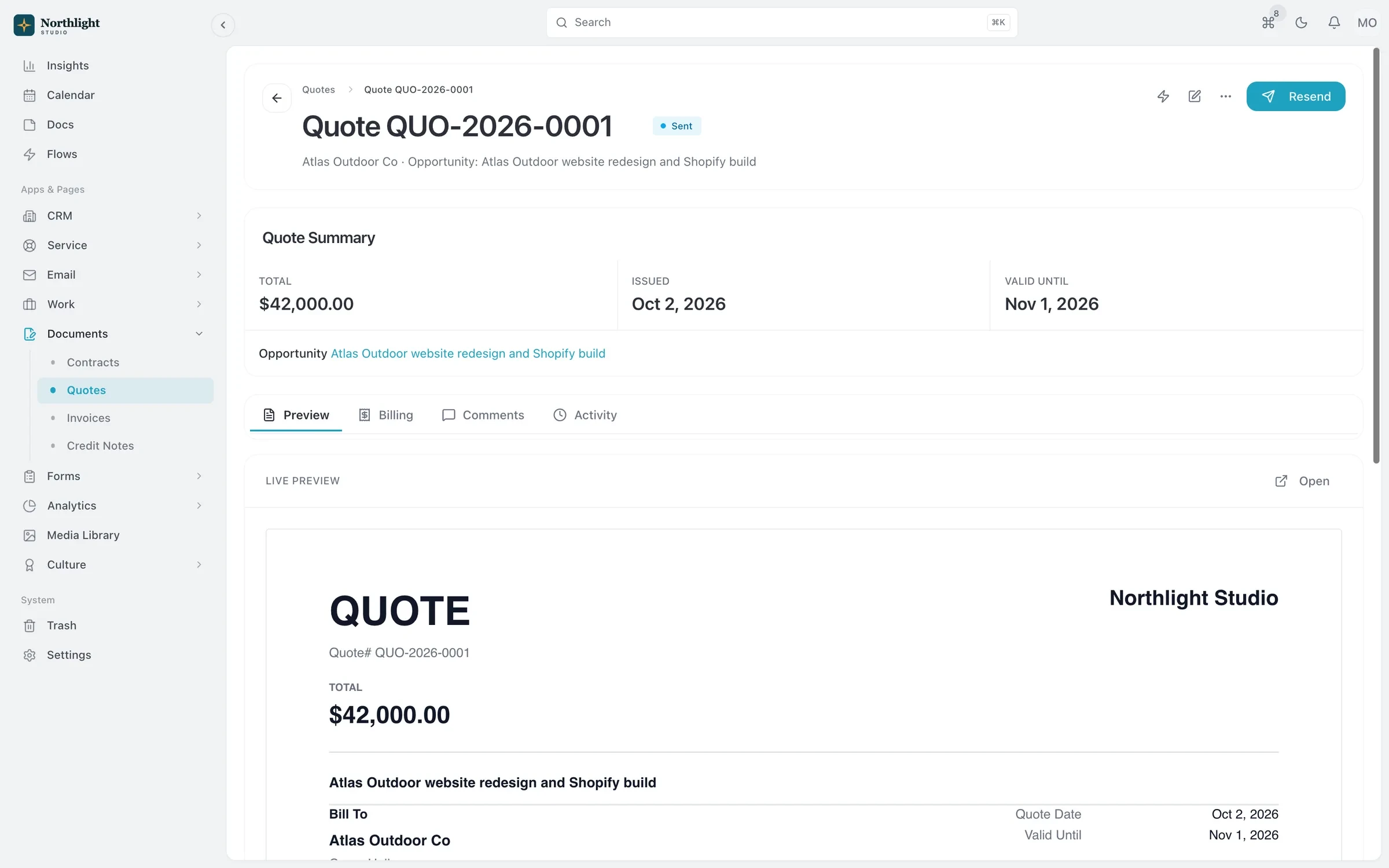
- Deposit invoice
- Progress invoice
- Balance remaining
Sound familiar?
What gets fixed
- Starting work before the deposit is in
- Split an accepted quote into a deposit, progress and final invoice so the deposit invoice goes out the moment the client says yes.
- Feedback scattered across email threads
- Clients review documents and approve requests in the portal, and everything they send lands on their record.
- Every project set up from scratch
- Project and task templates hold your standard phases, from discovery to delivery, so a new job is ready in minutes.
- Contracts that live in a downloads folder
- Contracts are built from templates, versioned, and signed with built-in e-signature that produces an audit certificate.
How a job runs in SparkDesk
01 / Win
Capture enquiries with a form on your site that creates a lead, then send a quote with your packages from the products catalog.
02 / Sign
Send the contract for e-signature. Signers get a link, and the signed copy and audit certificate are stored on the record.
03 / Deliver
Run the work on a board, share docs for review, and keep revisions and time against the project budget.
04 / Bill
Send the deposit, progress and final invoices from the quote, with reminders before and after the due date.
The features creative studios use most
Quotes and invoicing
Quotes that become deposit, progress and final invoices, plus invoicing from hours and credit notes.
Learn moreContracts and e-signature
Contract templates, a clause library and version history, with e-signature and an audit certificate built in.
Learn moreClient portal
A portal where clients sign in with an email link to see invoices, documents, projects and requests.
Learn moreForms
Drag-and-drop forms with conditional logic, scoring and file uploads that create records when submitted.
Learn moreProjects and time tracking
Projects, task boards, timers and timesheets, with budgets and hours that carry into invoices.
Learn moreDocs
Real-time co-editing, comments and version history, with docs kept next to the work they describe.
Learn more
Where to start
The Team plan
Small studios with up to 3 people fit Team, which includes approvals and a larger client portal. Solo founders can start on Solo.
For creative studios: questions
Something else? Ask us.
Can clients pay the deposit online?
Not inside SparkDesk today. Invoices go out as email and PDF with your payment instructions, and you record the payment against the invoice when it arrives.
Can the portal and documents carry our branding?
Yes. Paid plans remove SparkDesk branding from quotes, invoices and credit notes, and you can set your own branding for documents and contracts.
Does SparkDesk handle booking calls?
No. There are no booking links or calendar sync today, so keep your existing scheduling tool and send enquiries into SparkDesk with a form.
Also see SparkDesk for agencies, consultancies and event planners.
Run your next client project in SparkDesk.
Start a 14-day free trial of any paid plan. No card needed, and you can drop to the Free plan at any time.