
Permissions and security
Give everyone access to their work, and only their work
Four layers decide what each person can see and do: organization role, module permissions, visibility roles for record-level access, and HR manager rules. The same rules apply to the API and to AI assistants.
Roles, module permissions, record history and trash are on every plan; visibility roles for record-level access come with Business.
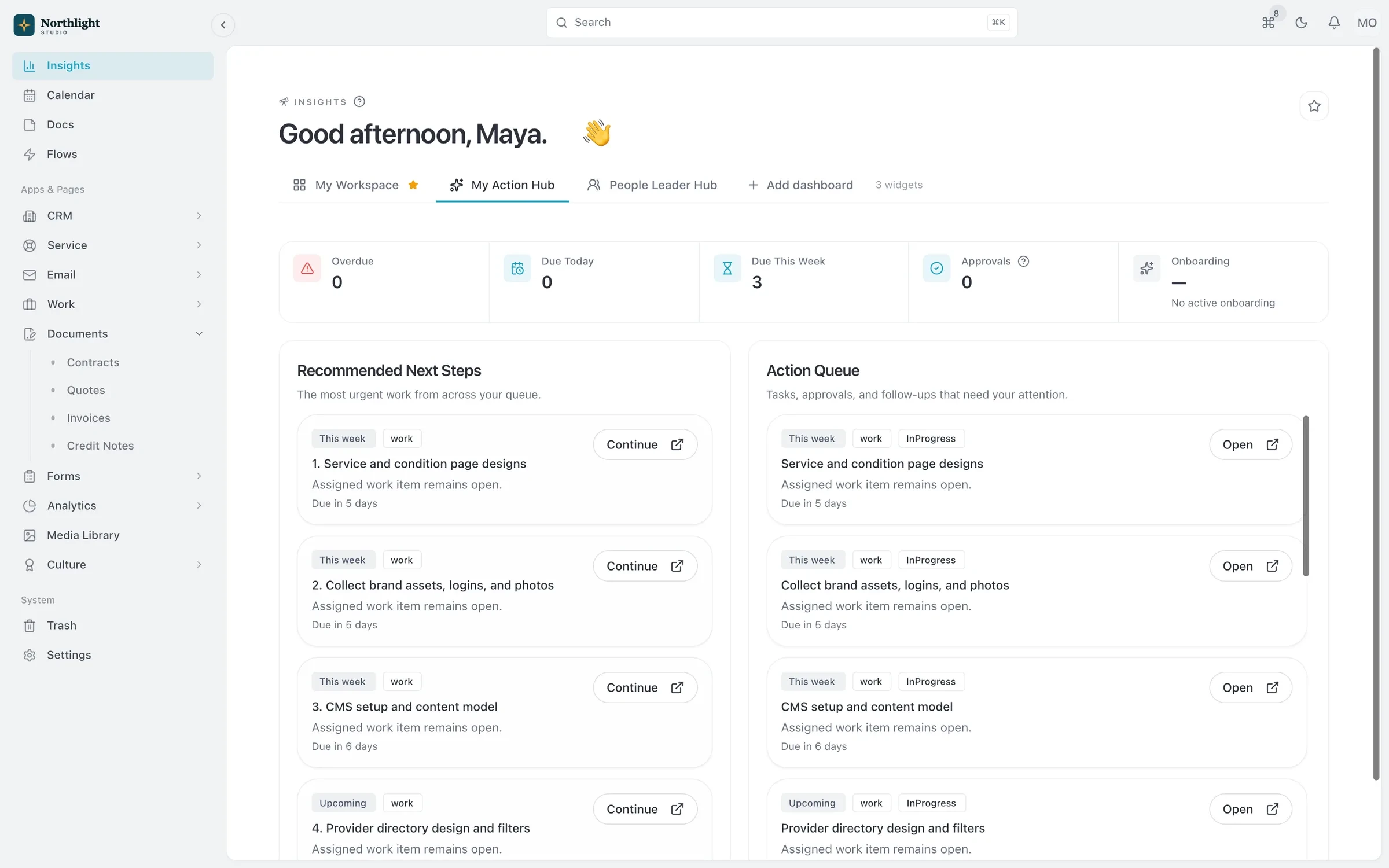
- Pending approvals
- Today's follow-ups
- Overdue invoices
The problem
Sound familiar?
- A freelancer on one client project can see every other client's invoices.
- Someone deleted a project and we had no way to get it back.
- If my team uses AI tools on client data, I need to know exactly what they touched.
How it works
Four layers of control
1
Set organization roles
Owner, Admin, Member or Read-only sets the baseline for each person.
2
Tune module permissions
Grant read, write, delete and admin rights per module in Users & Roles.
3
Narrow with visibility roles
On Business, filter rules decide which records a person can see, such as only their own clients.
4
Watch and recover
Record history shows every change, deleted records go to the trash, and the API & MCP Activity report lists every request.
What you get
- Record history
- Creates, updates, deletes and restores are logged on each record's timeline and in organization-wide Activity History.
- Trash and restore
- Deleted records, and related ones such as a project's tasks, go to the trash. Retention is configurable, 30 days by default.
- Permanent delete is restricted
- Only Admins and Owners can remove records from the trash for good.
- AI under your rules
- MCP and personal API keys run with the user's own permissions, so an assistant can never do more than the person using it.
- Key management
- Personal keys for individuals, service keys for shared integrations, and admins can review activity and revoke any key.
- Flow permissions
- Decide who can build, clip and run flows. The same rules apply over the API and MCP.
Read the documentation
Works with
API and MCP
A first-party MCP server and REST API, free on every plan, that act with your own role and permissions.
Learn morePeople and HR
Directory, org chart, time off, onboarding kits, training and employee documents for your team.
Learn moreCustom objects
Your own record types with 26 field types, plus Flows, API and MCP access.
Learn more
Compare: vs ClickUp, vs Zoho
Permissions and security: questions
Something else? Ask us.
Can I hide some clients from some team members?
Yes. Visibility roles on Business narrow which records each person can see, on top of their role and module permissions.
Can I get back something that was deleted?
Yes. Deleted records go to the trash and can be restored until the retention period ends, 30 days by default.
What can an AI assistant do with our data?
Only what the person who connected it can do. Every API and MCP request is logged, and admins see their whole organization's activity.
Run your next client project in SparkDesk.
Start a 14-day free trial of any paid plan. No card needed, and you can drop to the Free plan at any time.