

Forms and intake
Intake forms that file themselves
Publish a lead form, a project brief or a support request at a shareable link. Each submission can create the right record, notify your team and start a Flow.
Included on every plan, including Free; form approvals start on Team.
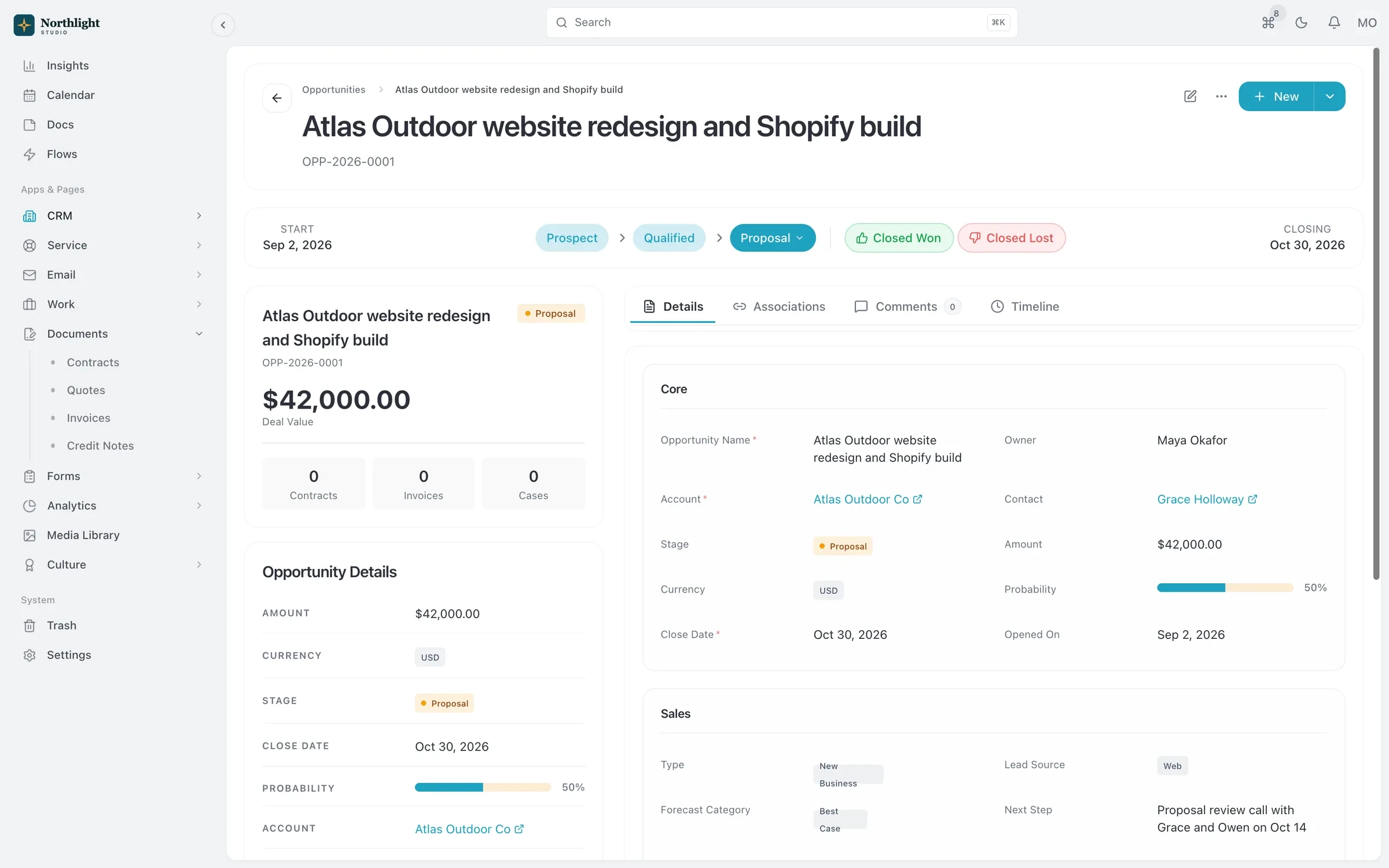
- Record a form can create
- Linked contacts
- Activity timeline
The problem
Sound familiar?
- Our website form sends an email that someone copies into the CRM, eventually.
- Project briefs come back as attachments in five different formats.
- We can't tell which inquiries are a good fit until someone reads every one.
How it works
From blank form to new record
1
Build it
Drag in text, number, email, phone, date, choice and file upload fields, and set validation such as required fields and limits.
2
Add logic
Show or hide questions with conditional logic, and score answers to rank inquiries.
3
Publish it
Share the form at its own link, styled with your colors, fonts and logo.
4
Act on submissions
Create a record, send an email notification, call a webhook, or start a Flow.
What you get
- Conditional logic
- Ask only the questions that matter for each person, so long briefs stay short to fill in.
- Scoring
- Score answers to separate a good-fit inquiry from a poor one before anyone books a call.
- File uploads
- Collect brand assets, briefs and reference files with the submission instead of in a separate email.
- Creates records
- A submission can create a lead, contact or case, so new work lands in the right place with no copying.
- Submissions in one list
- Review every submission with its details, and keep a version history of the form as it changes.
- Form approvals
- On Team and above, route submissions through the Approvals hub before they become work.
Works with
CRM
Accounts, contacts, leads and a deal pipeline that carry straight into quotes, projects and invoices.
Learn moreFlows automation
When, If, Then automations that can open timesheets and create invoices for each client period.
Learn moreService desk
Email-to-case, SLAs, priorities and a knowledge base, linked to the client's account and projects.
Learn more
Used by: creative studios, event planners
Compare: vs Dubsado
Forms: questions
Something else? Ask us.
Can a form create a lead automatically?
Yes. Set the form's action to create a record, and each submission becomes a lead, contact or other record without anyone copying it over.
Can people upload files?
Yes. File upload is one of the standard field types.
How many forms can I publish?
Free includes 2 forms, Solo 10, Team 50 and Business 250.
Can my AI assistant build a form?
Yes. The MCP server includes form tools, so Claude or ChatGPT can create a form, add fields and publish it under your permissions.
Run your next client project in SparkDesk.
Start a 14-day free trial of any paid plan. No card needed, and you can drop to the Free plan at any time.