
Email inbox and broadcasts
Client email on the client record, not buried in one inbox
Connect your mailbox and SparkDesk keeps client conversations threaded on the records they belong to. When you need to reach a list, send a broadcast to a segment and see who opened and clicked.
Available on Solo and above.
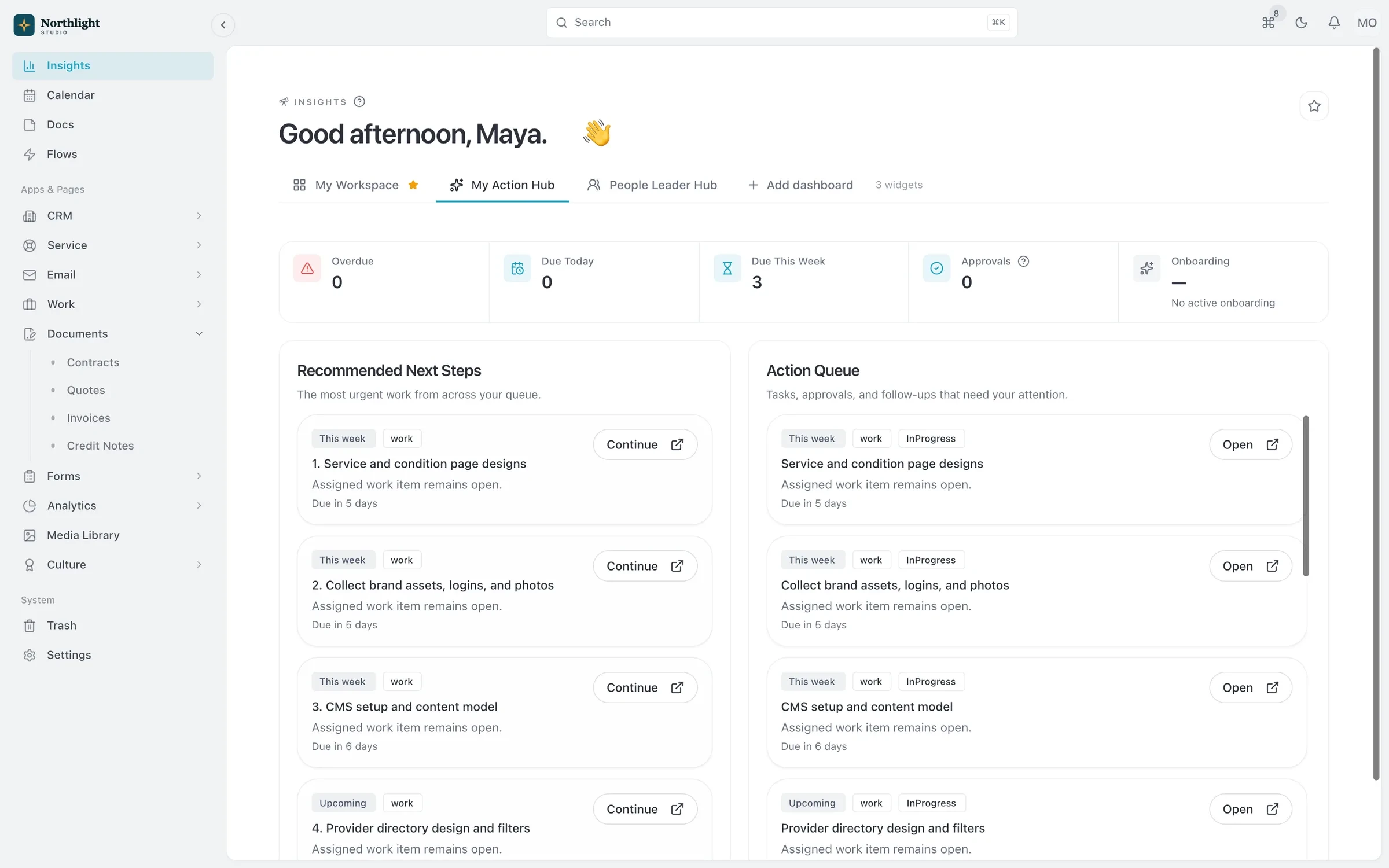
- Today's follow-ups
- Pending approvals
- Overdue invoices
The problem
Sound familiar?
- When someone's out, nobody can see what was promised to the client.
- Our newsletter tool and our CRM never agree on who's subscribed.
- I have no idea whether the client even opened the proposal email.
How it works
From inbox to broadcast
1
Connect a mailbox
Sign in with Gmail, or connect another provider over IMAP and SMTP.
2
Work the inbox
Threaded conversations with reply, forward, CC, BCC and attachments. Incoming replies join their thread.
3
Build a segment
Filter contacts by fields such as industry or subscription status.
4
Send a broadcast
Pick a template, review, then send now or schedule it. Track sent, opened, clicked and bounced for each recipient.
What you get
- Shared inbox
- On Team and above, work client email together so conversations don't depend on one person's mailbox.
- Block-based templates
- Build emails from headings, text, images, buttons and columns, with merge fields and a desktop and mobile preview.
- Unsubscribes handled
- Each broadcast carries a per-recipient unsubscribe link, and contacts keep their opt-out status.
- Tracking
- See opens, clicks, bounces and spam reports per recipient, plus open, click and bounce rates per broadcast.
- Email from Flows
- Send an email when something happens on a record, such as a welcome note when a deal is won.
Read the documentation
Works with
CRM
Accounts, contacts, leads and a deal pipeline that carry straight into quotes, projects and invoices.
Learn moreService desk
Email-to-case, SLAs, priorities and a knowledge base, linked to the client's account and projects.
Learn moreFlows automation
When, If, Then automations that can open timesheets and create invoices for each client period.
Learn more
Email inbox and broadcasts: questions
Something else? Ask us.
Does it work with Outlook or Microsoft 365?
Not today. There is no Outlook or Microsoft 365 mailbox connection. You can connect Gmail by signing in, or another provider that offers IMAP and SMTP.
Can I send drip sequences?
No. SparkDesk does not have drip sequences. Broadcasts go to a segment now or at a scheduled time, and Flows can send an email when something happens on a record.
How many emails can I send per day?
Solo allows 300 emails a day, Team 1,000 and Business 10,000.
Run your next client project in SparkDesk.
Start a 14-day free trial of any paid plan. No card needed, and you can drop to the Free plan at any time.