
People and HR
Run your team's HR in the same place you run the work
SparkDesk keeps your people directory, org chart, time off, onboarding and training next to projects and timesheets, so managers know who is out before they plan the week.
Included on Business and above, and available as an add-on on Team.
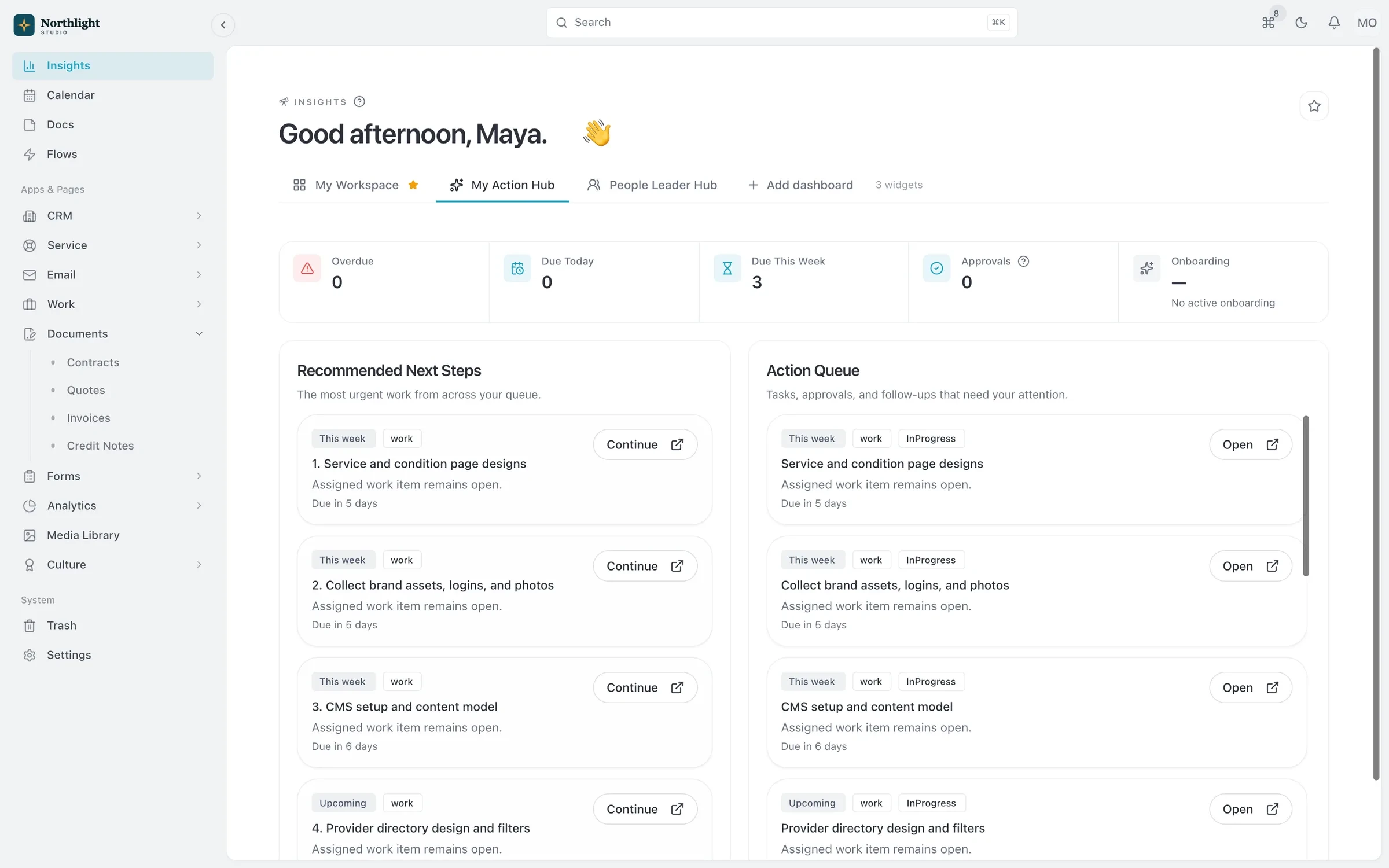
- Pending approvals
- Today's follow-ups
- Everything due today
The problem
Sound familiar?
- Time-off requests live in a shared spreadsheet and the balances never add up.
- New hires spend their first week asking where everything is.
- Offer letters and contracts are scattered across personal drives.
How it works
How it fits together
1
Build the directory
Profiles with worker type, work location, department, job title and skills, plus an org chart by reporting line or team.
2
Set leave policies
Define leave types, annual quotas and carryover rules. Balances are set up for each person automatically.
3
Onboard and train
Give new hires an onboarding kit and assign training so everyone starts the same way.
4
Approve and review
Managers approve time off for their direct reports, and HR reports cover headcount, joiners and leavers.
What you get
- Org chart
- Zoom and pan the hierarchy, search to highlight a reporting path, switch to a Teams view, or use a simple list on phones.
- Time off
- Vacation, sick, personal and unpaid leave with quotas, balances, carryover and a request and approval flow.
- Employee documents
- Store offer letters, contracts and reviews in private storage, sorted by category, with a record of who uploaded each one.
- Compensation history
- Track salary, bonus and allowances in more than one currency. Records are end-dated, never deleted.
- Training and kudos
- Assign training and follow progress, and let teammates recognize each other with kudos.
- HR permissions
- HR staff, Admins and Owners manage HR records, and managers act only on their direct reports.
Read the documentation
Works with
Permissions and security
Roles, module permissions, visibility rules, record history and trash, applied in the app, API and MCP.
Learn moreExpenses
Receipts, mileage, per diem, budgets and approvals, linked to the projects the spending belongs to.
Learn moreProjects and time tracking
Projects, task boards, timers and timesheets, with budgets and hours that carry into invoices.
Learn more
People and HR: questions
Something else? Ask us.
Does SparkDesk run payroll?
No. SparkDesk keeps compensation records and time off, but it does not run payroll.
Can managers approve time off for their team?
Yes. Managers can act on HR records, including time-off requests, for their direct reports.
Are employee documents private?
Yes. They are stored privately, not publicly accessible, and each upload records who added it and when.
Can I add People and HR on the Team plan?
Yes. People and HR is available as an add-on on Team and is included in Business.
Run your next client project in SparkDesk.
Start a 14-day free trial of any paid plan. No card needed, and you can drop to the Free plan at any time.